Image To
3d

Free image to 3d model ai generator

UPLOAD A REFERENCE IMAGE

For more accurate results, use clear images from several angles.

Free to start · no signup needed · create in minutes

Three-quarter studio view of a small orange off-road SUV rendered as a detailed 3D model on a black background

Your generated 3D model will appear on the creation page

TemplatesInspiration
Use Cases

Image to 3D AI for a Wide Range of Projects

Turn an image into a high-quality 3D model for game assets, 3D printing, interior design, or educational content.

Game Development

Speed up your asset pipeline by turning reference images into game-ready 3D models. Prototype characters, props, and environments, then spend more time refining the ideas that work.

  • Rapid prototyping for characters, props, and environments
  • Consistent visual references for better integration
  • Assets to develop further for your game engine

3D Printing

Move from a visual concept toward a physical object without starting every shape from scratch. Explore a model, make adjustments, and prepare it for your printing workflow.

  • A useful starting mesh for printing workflows
  • Scale and refine your model before printing
  • Move faster from idea to physical prototype
Finished three-dimensional figurines arranged as examples for 3D printing

Interior Design

Transform furniture and decor references into 3D concepts. Test styles, explore room layouts, and give clients a clearer view of an idea before making decisions.

  • Explore furniture and decor from reference images
  • Compare layouts and design styles
  • Present concepts with clearer 3D visuals
Interior design objects and furnishings presented as three-dimensional models

Education

Turn visual references into 3D objects students can examine. Make complex ideas easier to picture through hands-on exploration in science, history, and design.

  • Build visual models for different subjects
  • Support learning through interactive visuals
  • Let students explore their own 3D concepts
Educational objects displayed as approachable three-dimensional learning models
Fantasy curved dagger shown as an isolated three-dimensional game prop Gold-embellished magic book shown as a three-dimensional fantasy prop

Try Image To 3d for Free

Leave complicated modeling workflows behind. Explore 3D ideas from an image or a prompt and keep your creative process moving.

Get started for free
Image to 3D

Make High-Detail 3D Model Outputs from Images

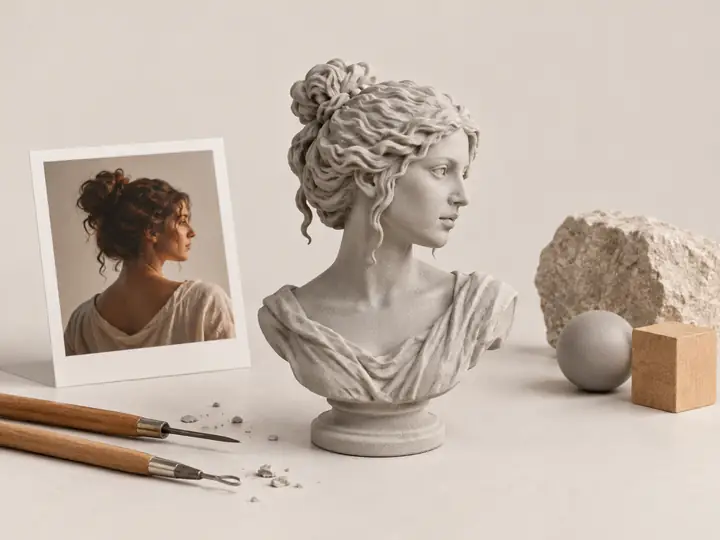
Upload a reference image and build on its shape, surface detail, edges, and proportions. Turn a visual idea into a model you can refine for design or production.
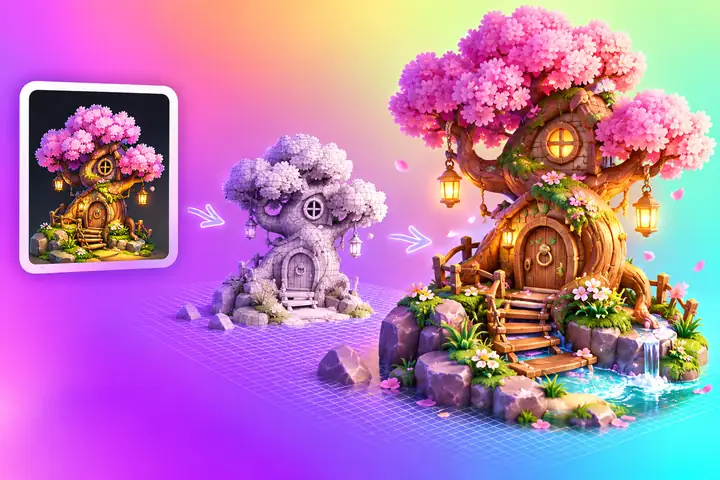
Illustrated workflow transforming a treasure-chest reference into a colorful 3D model
Text to 3D

Create Stunning 3D Models from Text with AI

Describe an idea in plain language to explore a structured 3D concept. Prototype characters, buildings, and creative assets without first modeling every detail by hand.
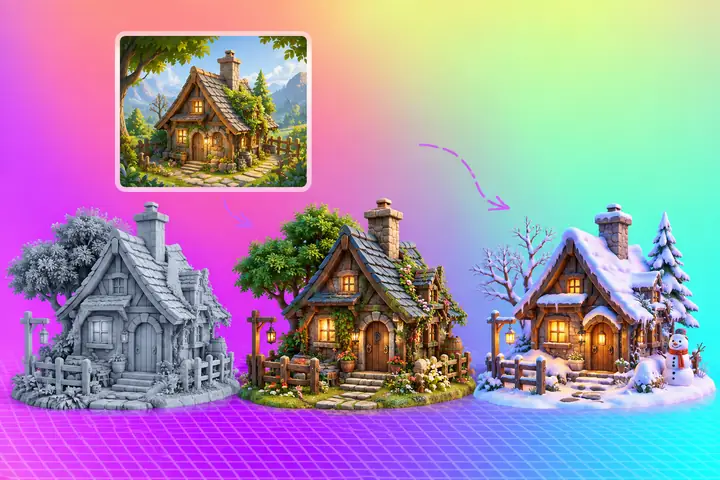
Concept-to-3D workflow showing a cottage reference and several modeled versions
Two 3D Model Types

Generate Textured or Geometry-Only Image to 3D Models

Choose a textured mesh when surface color matters, or a geometry-only model when you want to concentrate on form, editing, and further work in a 3D pipeline.
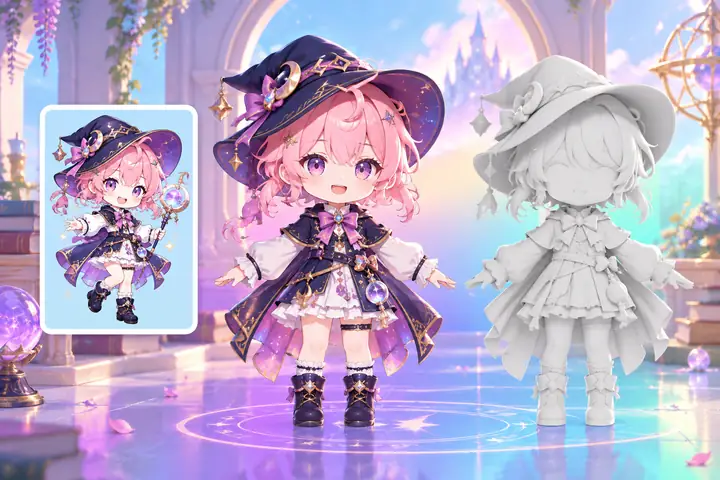
Character concept beside textured and untextured versions of its 3D model
Creative Possibilities

Explore 3D Characters and Objects from Your Ideas

Start with a visual reference or a written concept. Quickly explore different subjects and decide which models deserve more detail and polish.
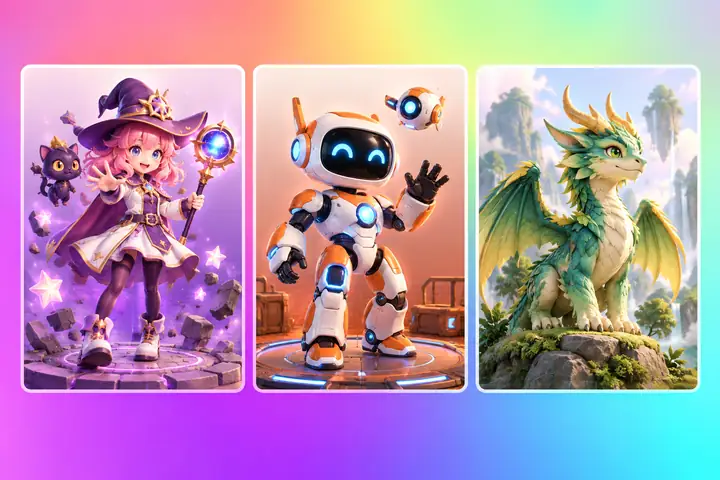
Gallery of colorful generated 3D characters displayed in individual preview panels
Advantages

How Image to 3D AI Improves Modeling?

Traditional 3D modeling can take hours or days of careful manual work. Image-based creation gives you a starting model sooner, leaving more time for artistic decisions.

Our Image to 3D Model Tool

  • Start exploring without expensive desktop software.
  • Create a starting model in minutes, not hours.
  • Turn a single clear image into a 3D concept.
  • Choose textured or geometry-focused output.
  • Take your model into a broader editing workflow.
  • Begin in a browser without installing an editor.
  • Follow a beginner-friendly creation process.

Traditional 3D Modeling

  • Professional software may require a paid license.
  • Manual modeling can take hours or even days.
  • Meshes often begin from an empty scene.
  • Each variation needs more hands-on work.
  • Converting formats may involve several tools.
  • Desktop software needs installation and upkeep.
  • Technical modeling skills take time to develop.
Reference Image Guide

How to Choose a Reference Image for a High-Quality 3D Model?

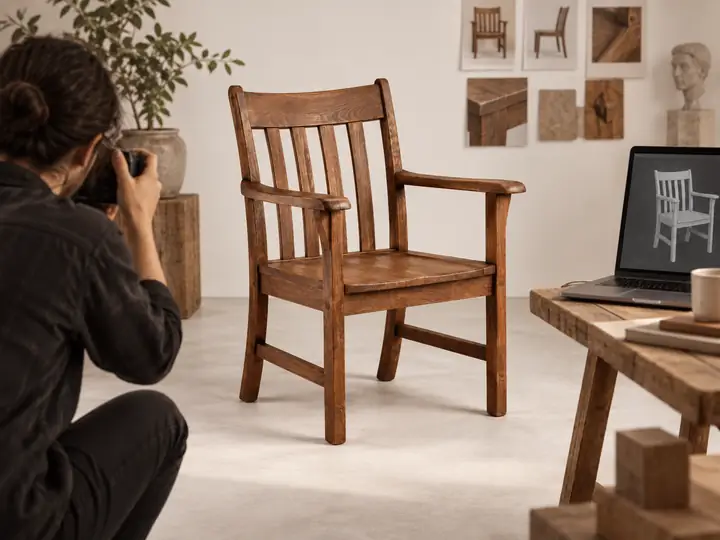
The quality of your 3D model starts with the image you choose.

Complete subject, clear silhouette

Reference image where the intended object is too small or cut off to see clearly

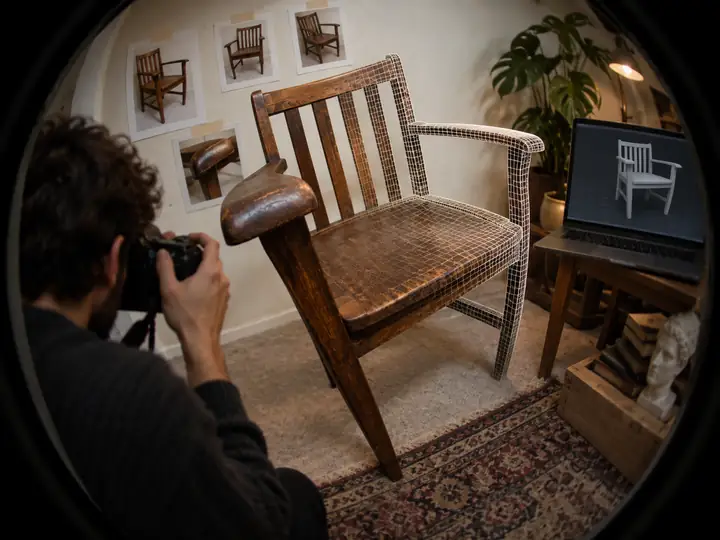
Enough structural information

Wooden chair photographed at an angle that reveals its seat, arms, legs, and back
Wooden chair photographed from a distorted angle that obscures its structure

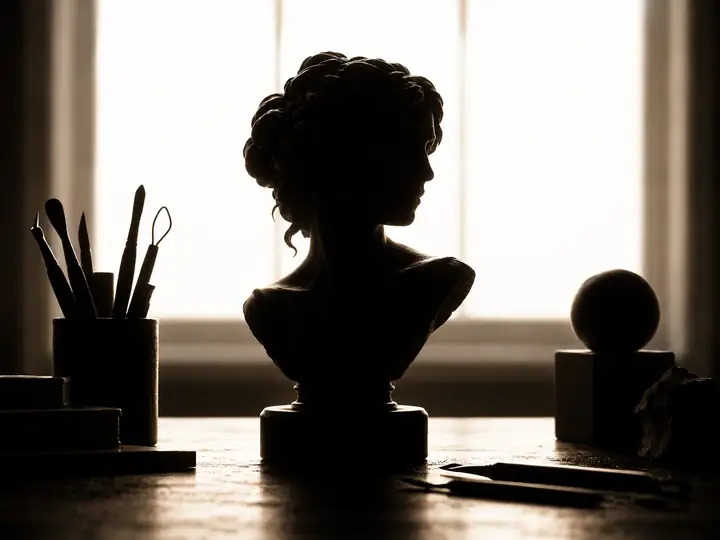
Even, balanced lighting

Vintage camera evenly lit so its contours and details remain visible
Camera photographed against a bright window so the object appears almost black

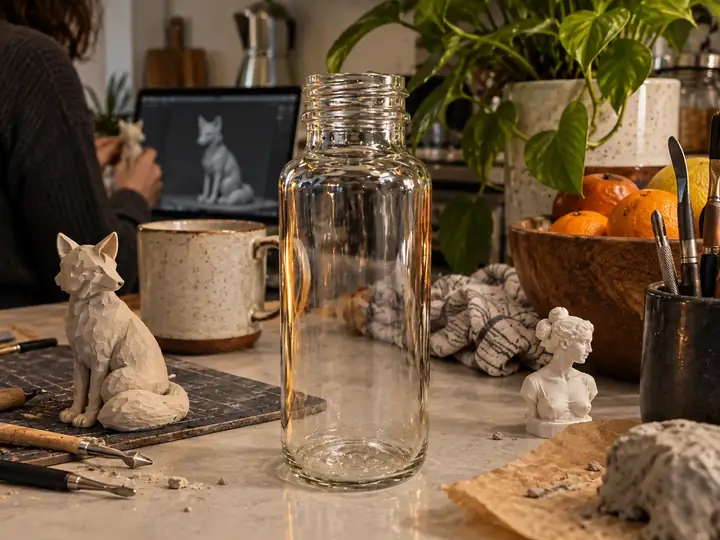
A clean, uncluttered background

Glass bottle surrounded by other objects on a cluttered kitchen counter
Made for Creators

See How People Use Image To 3d in Real Life

A visual starting point for game developers, 3D artists, and teams exploring product concepts.

★★★★★

“Starting from concept art lets me test a character idea much sooner. I can explore its overall form in 3D, then spend my time refining the silhouette and details that matter.”

A character artist’s workflowConcept to 3D exploration
A game character artist at a warmly lit desk, examining a fantasy character model on two monitors, candid side view
About Us

Meet Image To 3d

Turn a 2D reference into a starting point for a 3D model. Spend less time on the first shape and more time making the result your own.

Our Story

3D modeling takes skill and time. Image To 3d is here to make the first exploration simpler: begin with an idea or a reference, then keep shaping the result.

Our Vision

Make 3D creation more approachable for artists, designers, educators, and anyone with a visual idea worth exploring.

Make a 3D model
✧   Explore shape and surface details
✎   Continue refining your 3D idea
◈   Create characters, props, and objects
Help Center

Questions? Answers.

Quick answers about turning your reference images into 3D ideas.

It is a way to use an image as the reference for a 3D model. The image helps establish an object’s shape and appearance, giving you a model to explore and refine.
You can start with a reference image or a written idea. Follow the creation page’s instructions to see the available options before you begin.
Choose an image with a complete subject, a clear silhouette, balanced lighting, and a simple background. An angle that reveals the object’s structure is especially helpful.
Yes. Bring a photograph, design, sketch, or character illustration that you have the right to use, and choose the image-upload option on the creation page.
Your upload is handled by the creation service, not by this informational page. Review that service’s privacy information before submitting a sensitive image.
Check the creation service’s terms and the rights to your source image before using a generated model in a personal or commercial project.
Create a 3D model
Create a 3D model